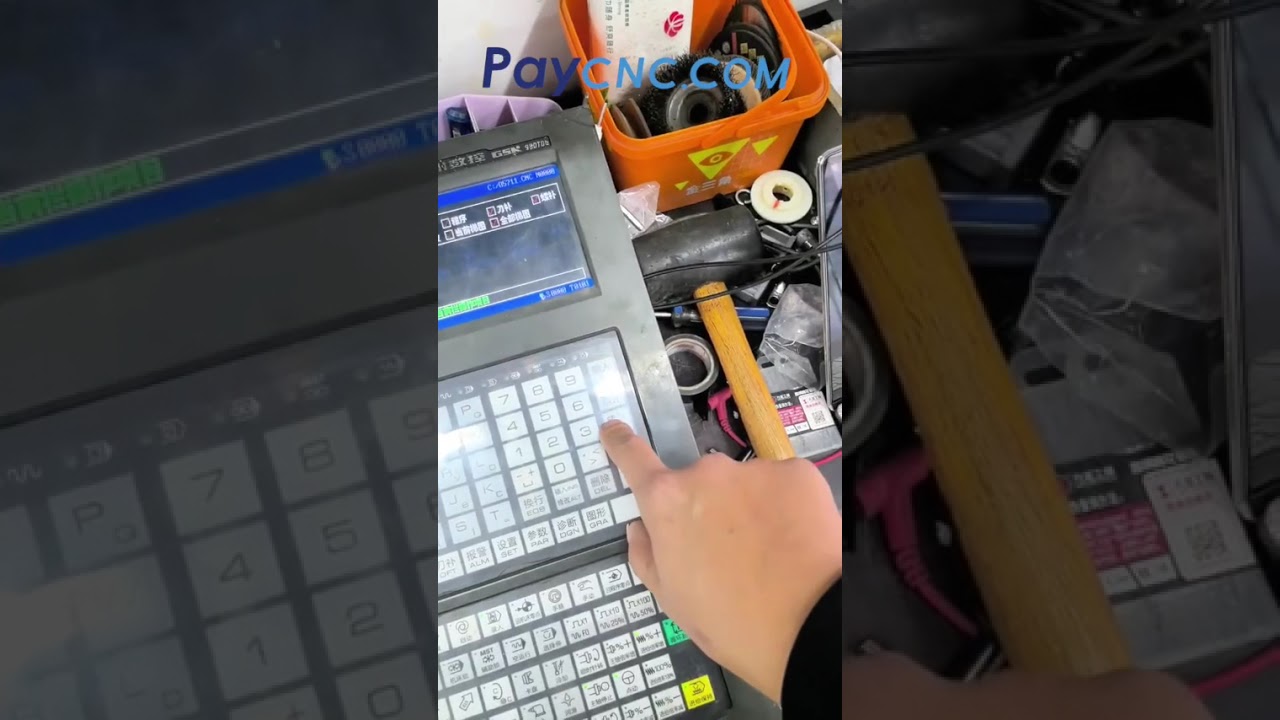
Mastering GSK 980TDb CNC Controller Repair: How to Backup and Restore CNC Data
This article provides an in-depth exploration of CNC data, covering foundational concepts, practical applications, and engineering insights.
Facing operational issues with your GSK 980TDb CNC controller? A damaged or malfunctioning mainboard can bring your entire production line to a sudden halt. While replacing the physical hardware is a major step in the repair process, safeguarding your system settings is equally critical. When servicing this control system, properly backing up and restoring your CNC data is the secret to a fast and painless recovery.
Understanding Mainboard Replacement on the GSK 980TDb
The GSK 980TDb is a popular control system widely used for CNC turning centers and lathes. However, power surges, electrical wear, or aging components can eventually lead to mainboard failure. Replacing the mainboard restores the physical and electrical integrity of the controller, but a brand-new mainboard comes empty—it lacks your machine's unique setup configurations.
Before removing the old mainboard (if it is still partially functional) or immediately after installing the new one, you must carefully handle your controller's internal files to ensure your machine operates correctly.
Backing Up Parameters and Ladder Diagrams
To bring your equipment back to working condition after a mainboard swap, reloading your saved CNC data—specifically system parameters and PLC ladder diagrams—is vital.
- System Parameters: These settings dictate essential machine behaviors, including axis travel limits, pitch error compensation, gear ratios, and feed rates. Without them, the controller cannot correctly communicate with the drive motors.
- Ladder Diagrams: The ladder logic manages the Programmable Logic Controller (PLC) functions, controlling auxiliary devices like coolant pumps, automatic tool changers, and chuck clamping mechanisms.
Once the new mainboard is installed, connect a compatible USB drive to the system interface to import your saved parameter files and ladder logic back into the GSK 980TDb controller.
Best Practices for CNC Controller Maintenance
Preventative measures save valuable time and reduce expensive workshop downtime. To keep your system protected during unexpected repairs, keep these tips in mind:
- Schedule Regular Backups: Always export a fresh copy of your CNC data to an external drive whenever you make system adjustments or add new macro programs.
- Label Backup Files Clearly: Maintain a structured naming convention on your storage devices indicating the machine model, serial number, and backup date.
- Use ESD Safeguards: When handling the mainboard during installation, always use anti-static wrist straps to prevent electrostatic discharge from damaging delicate microchips.
Final Thoughts
Repairing a GSK 980TDb controller requires a balance of hardware expertise and software management. By maintaining up-to-date parameter backups and following safe mainboard replacement procedures, you can minimize machine downtime and keep your CNC operations running efficiently.


