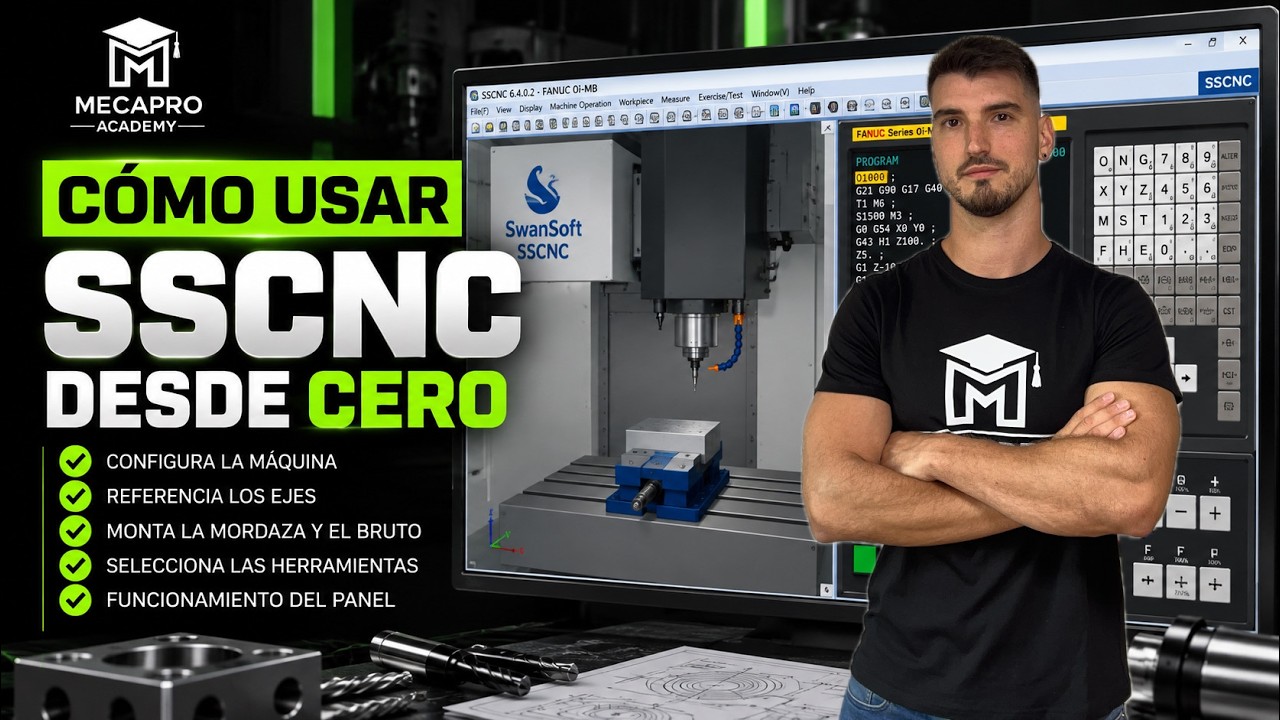
Master SSCNC from Scratch: A Beginner's Guide to Fanuc CNC Control
This article provides an in-depth exploration of CNC control, covering foundational concepts, practical applications, and engineering insights.
Are you just getting started with SSCNC (Swansoft CNC Simulator) and feeling overwhelmed by all the buttons, screens, and settings? Transitioning into automated manufacturing can feel daunting, but learning how to operate a virtual machine is the best way to gain confidence. In this beginner-friendly guide, we will break down how to set up and navigate SSCNC using the popular Fanuc system, helping you master modern CNC control from the ground up.
Getting Started with Swansoft SSCNC
Swansoft CNC Simulator (SSCNC) is an industry-standard simulation software designed to mimic real-world machining centers. Before hitting the start button, you need to launch the program and select your specific machine configuration. For this guide, choose the Fanuc controller setup—one of the most common operating systems used in manufacturing today.
Once the simulator loads, familiarize yourself with the interface. You will see the 3D virtual machine environment alongside the control panel interface. Learning to navigate this layout is essential for understanding actual CNC control units in a real workshop.
Setting Up Your Virtual Machine Step-by-Step
To begin a project in SSCNC, follow these core preparation steps:
- Emergency Stop & Power On: Release the E-stop button on the virtual panel and turn on the main machine power.
- Reference Point Return (Homing): Send all axes (X, Y, and Z) back to their home positions to calibrate the software coordinates.
- Workpiece Configuration: Open the piece setup menu to define your raw material dimensions and clamp it securely in the virtual vise.
- Tool Selection and Setup: Load your cutting tools into the virtual turret or tool magazine based on your machining requirements.
- Set Work Coordinates: Jog the machine axes to locate your part zero and save your work coordinate system (such as G54).
Why Master SSCNC Simulation?
Practicing on a software simulator removes the fear of costly mistakes. Real-world machine crashes can cause thousands of dollars in spindle damage or tool breakage. SSCNC offers a risk-free environment where you can test G-code programs, verify tool paths, and understand complex CNC control functions before touching a physical machine.
Start Practicing Today
Unlocking the power of Swansoft SSCNC is all about consistent hands-on practice. By following these fundamental steps, you will quickly move from complete beginner to a confident operator ready to program and run real-world machinery.


