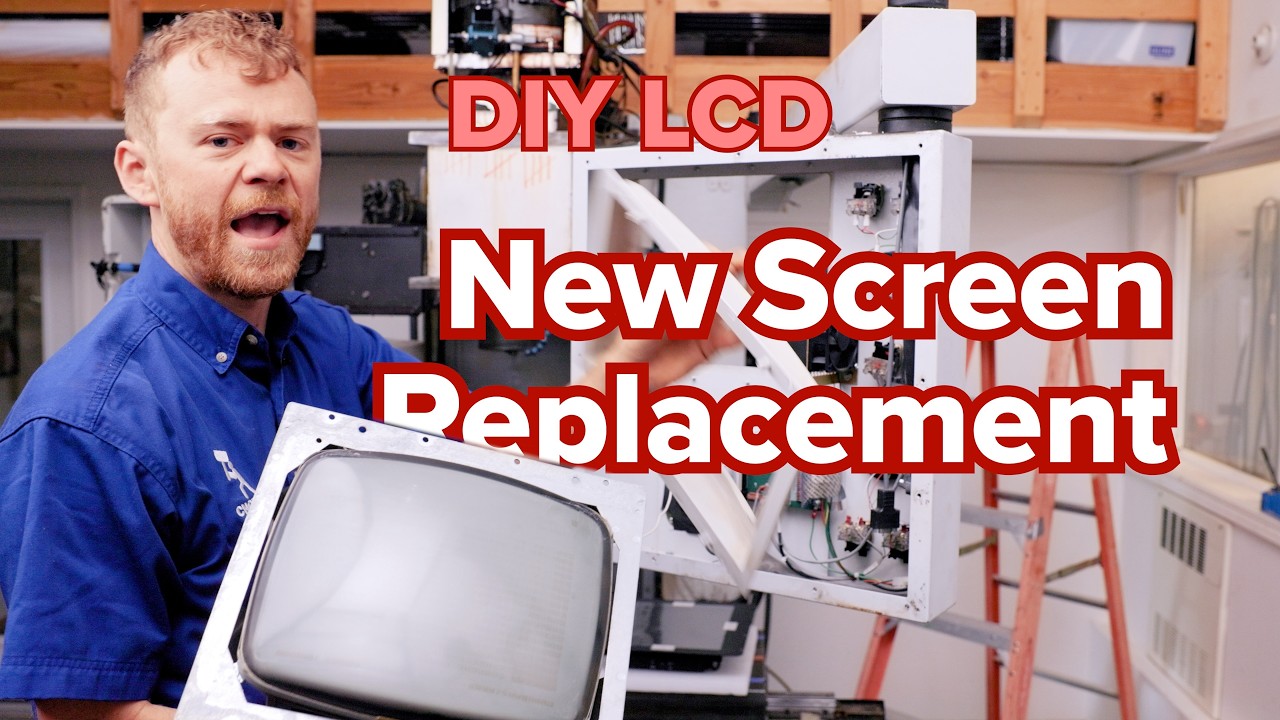
How to Upgrade Your CNC Monitor: The Ultimate CRT to LCD Replacement Guide
This article provides an in-depth exploration of CNC monitor, covering foundational concepts, practical applications, and engineering insights.
If you have been working with HAAS machines or older machining centers for a while, you know the struggle of squinting at an old, flickering CRT screen. While the machine itself might still be a workhorse, the display technology likely hasn't aged as well. Upgrading to a modern CNC monitor isn't just about aesthetics; it's about precision, efficiency, and saving your eyesight.
Why Ditch the Old CRT?
Cathode Ray Tube (CRT) monitors were the industry standard for decades, but they come with significant drawbacks. They are bulky, prone to screen burn-in, and often lose brightness over time. By replacing your outdated display with a high-resolution LCD, you gain better contrast and much sharper text. This makes reading G-code and monitoring tool paths significantly easier during long shifts, reducing the margin for error.
A Straightforward DIY Upgrade
Many shop owners hesitate to perform electronic upgrades, fearing complex wiring or compatibility issues. However, replacing your CNC monitor is a surprisingly straightforward DIY project that most operators can handle in a single afternoon.
The process generally involves a few key steps:
1. Safety First: Always power down the machine and disconnect the main power source before opening the control pendant.
2. Removal: Carefully unplug the video and power cables from the back of the old CRT unit and remove the mounting screws.
3. Mounting: Most modern LCD replacement kits are specifically designed to fit the existing mounting brackets of HAAS pendants, ensuring a perfect fit without the need for custom fabrication.
4. Connection: Plug in the new display. High-quality replacement kits typically feature plug-and-play connectors that bridge the gap between old analog signals and modern digital technology.
The Impact on Shop Productivity
Once the new CNC monitor is installed, the difference is immediate. The crispness of a modern LCD reduces operator fatigue and minimizes the risk of input errors caused by misreading a blurry screen. It breathes new life into your existing hardware, allowing you to keep using a reliable machine without feeling like you are stuck in the 1980s.
Investing a small amount of time into this upgrade ensures that your interface is as reliable as the spindle itself. If you are tired of blurry lines and dim screens, it is time to make the switch to a modern display solution.
Visual Insights & Illustrations


