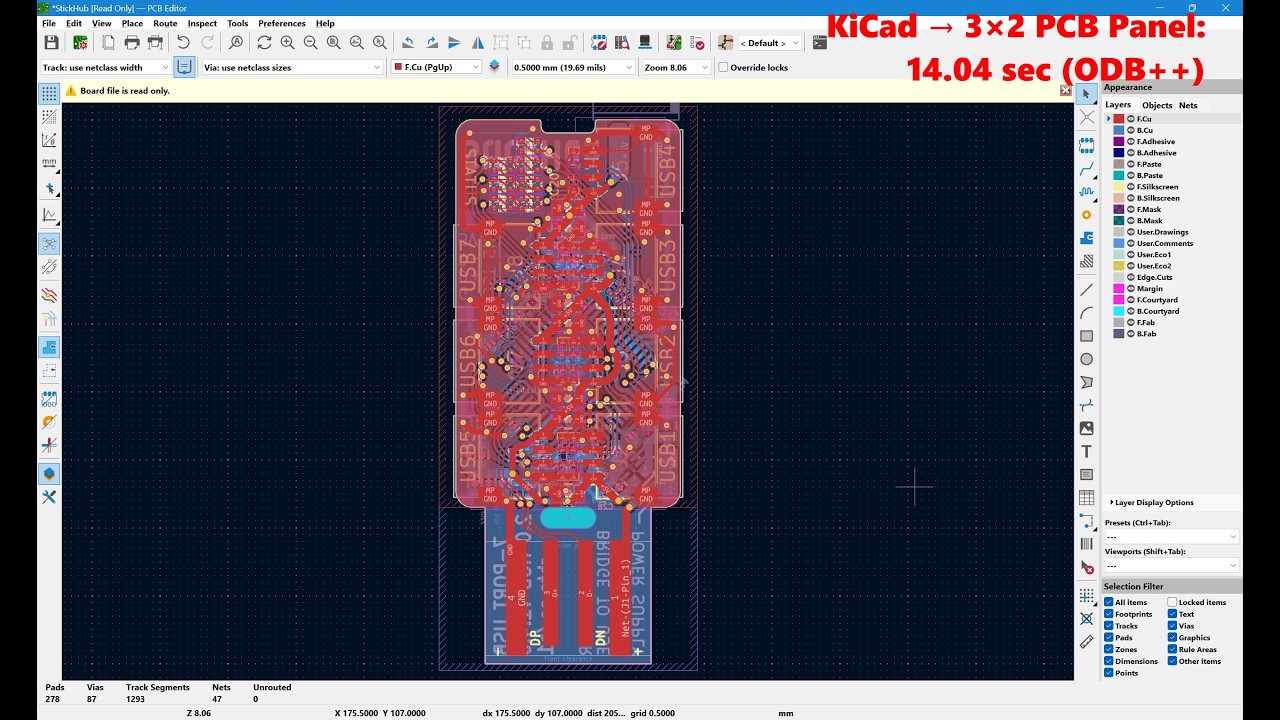
How to Generate CNC-Ready G-code Data from KiCad in 14 Seconds
This article provides an in-depth exploration of G-code data, covering foundational concepts, practical applications, and engineering insights.
In the world of printed circuit board (PCB) prototyping and small-batch manufacturing, efficiency is everything. Converting a single KiCad design into a multi-board panel and generating accurate G-code data for CNC milling can often feel like a time-consuming bottleneck. However, modern software tools are changing the game by automating complex panelization steps in a matter of seconds.
Rapid KiCad to PCB Panelization
Creating a multi-board layout manually requires painstaking attention to trace clearances, breakaway tabs, and milling toolpaths. With specialized software like PhCNC LSSE, this entire workflow becomes effortless. Instead of spending time manually arranging duplicate boards and setting up panel dimensions, designers can seamlessly transform a single KiCad project into a fully formatted 3×2 PCB panel.
This automated panelization ensures that board spacing, routing channels, and reference points are positioned with complete accuracy, eliminating the frustration of manual setup errors.
Precision CNC Production in Record Time
What makes this process remarkable is its speed. In a real-time demonstration, PhCNC LSSE takes a KiCad project, panelizes it into a 3×2 array, and outputs fully formatted G-code data in just 14.04 seconds.
High-quality toolpath generation is critical when milling PCBs on a CNC router. The resulting output contains precise drilling coordinates, isolation routing paths, and outline cutouts ready for immediate fabrication. Having reliable G-code data guarantees clean trace isolation and protects your milling bits from improper feed rates or depth errors.
Accelerate Your Hardware Development Workflow
For makers, electronics engineers, and rapid prototyping labs, saving time during the design-to-manufacturing transition directly translates into faster product iterations. By streamlining how you generate and process your G-code data, you can bridge the gap between KiCad schematics and physical hardware faster than ever before.
If you want to boost your PCB fabrication throughput, integrating automated panelization tools into your KiCad workflow is one of the most effective upgrades you can make.


