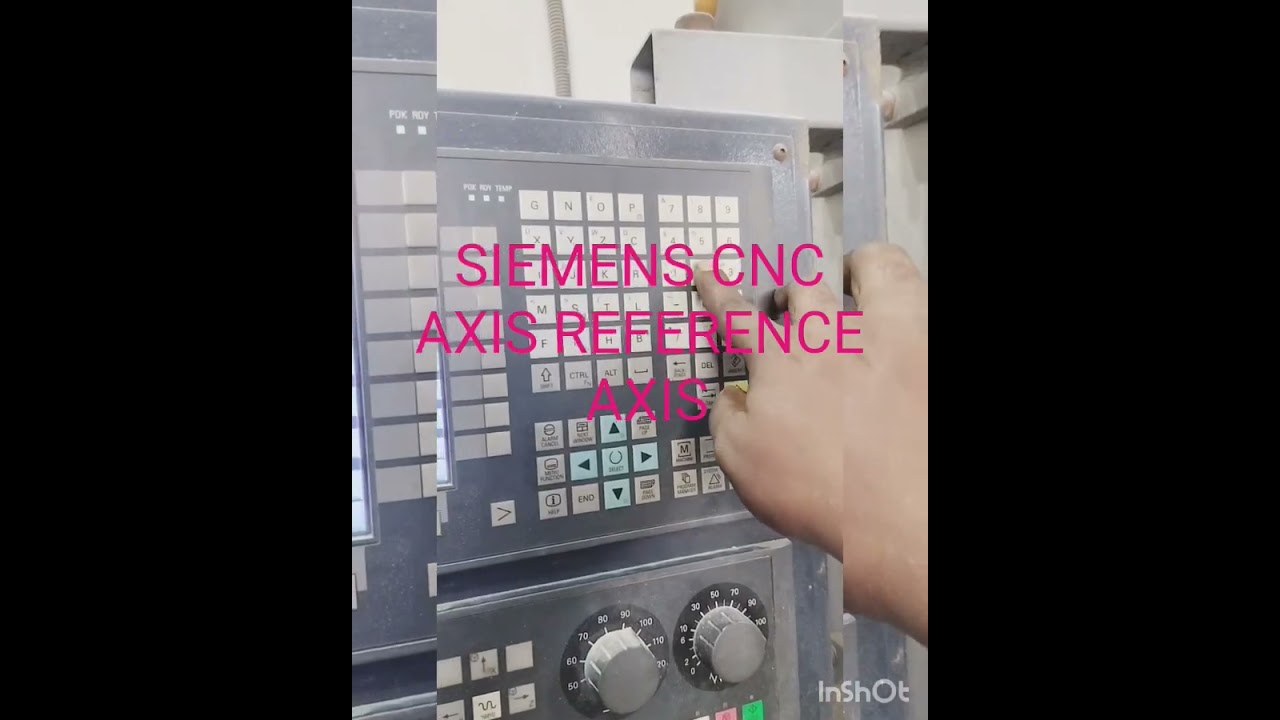
How to Perform Siemens Axis Reference: A Step-by-Step Guide for Your CNC System
This article provides an in-depth exploration of CNC system, covering foundational concepts, practical applications, and engineering insights.
Setting up your machine correctly is the foundation of precision manufacturing. One of the most essential initial procedures on any modern CNC system is performing an axis reference—often referred to as homing or returning the axes to machine zero. If you are operating a Siemens CNC control on a Vertical Machining Center (VMC) or Horizontal Machining Center (HMC), knowing how to accurately reference the X, Y, and Z axes is critical for establishing accurate machine coordinates and preventing costly tool collisions.
In this practical guide, we will walk you through the essential steps to reference the X, Y, and Z axes on a Siemens CNC controller safely and efficiently.
Why Axis Referencing is Crucial
Before a machine can execute any G-code program, the controller must establish its Machine Coordinate System (MCS). Referencing synchronizes the physical position of the machine slides with the digital register of the controller. Without proper axis referencing, your CNC system will not recognize soft limit stops, putting your workpiece, tooling, and spindle at severe risk of damage during operation.
Step-by-Step: Referencing X, Y, and Z Axes on Siemens Control
- Power On and Clear the Work Area: Ensure the machine is safely powered up and free of physical obstructions, heavy chip buildup, or clamps that might interfere with slide travel.
- Select REF POINT Mode: On the Siemens control operator panel, switch the operating mode selector from JOG or AUTO to REF POINT (Reference Point mode).
- Reference the Z-Axis First: Select the Z-axis using the axis selection keys. Press the positive (+) directional key to move the spindle upward toward its zero point. Referencing the Z-axis first ensures the spindle clears any raw material or fixtures on the table.
- Reference X and Y Axes: Select the X-axis and press the corresponding directional key (+ or -) until the axis reaches its reference position. Repeat the exact same procedure for the Y-axis.
- Verify Axis Status: Check the Siemens display screen. A reference symbol (usually a small circle or target icon) will appear next to X, Y, and Z once each axis successfully registers its home position.
Pro Tips for Safe Machine Setup
- Keep Feed Rate Controlled: Keep your feed rate override knob at a moderate setting (e.g., 50%) when referencing to allow quick reaction time if an issue arises.
- Maintain Limit Switches: Keep homing switches clean and free from metal chips and coolant residue to guarantee accurate repeatability.
By incorporating this quick standard operating procedure into your routine, you keep your Siemens CNC system running accurately, safely, and ready for high-precision production.


