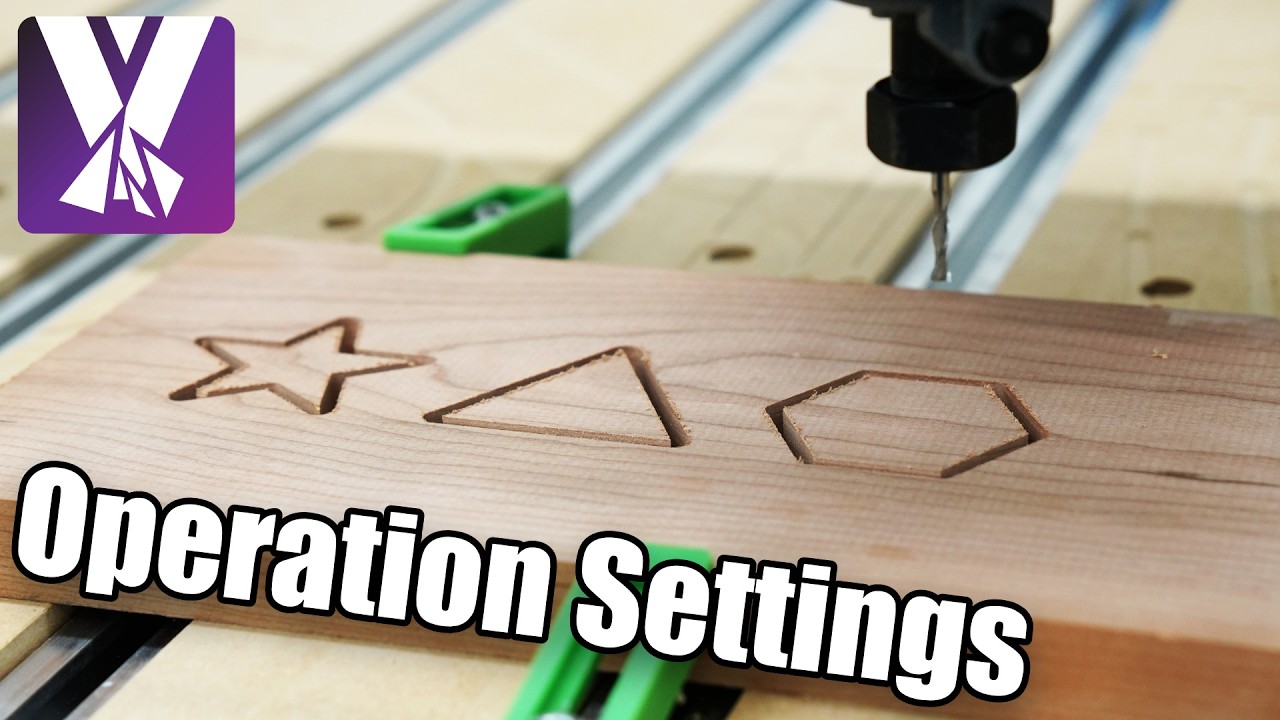
Mastering MillMage: Essential Operation Settings in Modern CNC Software
This article provides an in-depth exploration of CNC software, covering foundational concepts, practical applications, and engineering insights.
Whether you are a seasoned machinist or just getting started with digital fabrication, getting the most out of your toolpaths requires fine-tuning your machine parameters. When using powerful CNC software like MillMage, understanding how to navigate and customize your project parameters is crucial for achieving clean cuts, minimizing tool wear, and speeding up overall execution times.
What is the Operation Settings Editor?
At the heart of project customization in MillMage lies the Operation Settings Editor. This central interface is where you adjust all settings for the operations in your project. While each operation type—such as profiling, pocketing, drilling, or surface clearing—has its own unique parameters, the editor provides a consistent, streamlined hub to manage them all efficiently.
Rather than making risky adjustments on the machine floor, the Operation Settings Editor allows you to dial in your values digitally before sending g-code to your machine. This minimizes costly mistakes and ensures your mill or router performs precisely as planned.
Common Parameters to Adjust
While different machining operations require specialized approaches, several key settings appear across most toolpath options within MillMage. Mastering these core controls will significantly improve your production quality:
- Feeds and Speeds: Adjusting the movement speed (feed rate) and spindle RPM ensures optimal material removal without burning the stock or damaging the bit.
- Depth of Cut & Stepover: Defining the depth per pass and stepover percentage helps balance machining speed against tool stress and surface finish quality.
- Retract and Clearance Heights: Configuring safe retract movements prevents the cutting tool from crashing into clamps or raw material during rapid transitions.
Maximize Precision with Capable CNC Software
Leveraging modern CNC software features allows makers to save standardized operation profiles for recurring materials and bit types. By mastering the Operation Settings Editor in MillMage, you eliminate repetitive setup friction and establish a reliable standard operating procedure for your workshop.
Take the time to explore each operation's dedicated parameters in your project. A deep understanding of these controls transforms your CNC software from a basic geometry tool into an advanced precision engine tailored to your creative workflow.
Visual Insights & Illustrations


