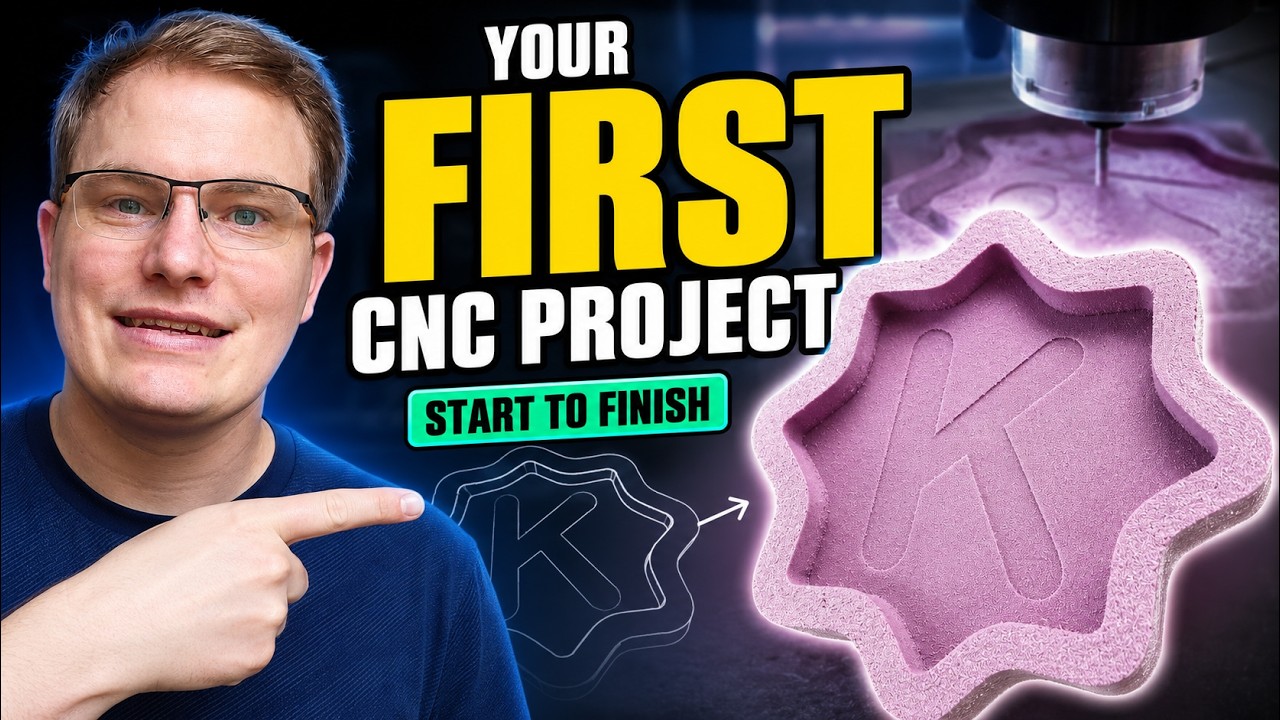
From Design to Cut: How to Create Your First Project with CNC Software
This article provides an in-depth exploration of CNC software, covering foundational concepts, practical applications, and engineering insights.
Starting your very first CNC machining project can feel equal parts exciting and overwhelming. Whether you want to craft custom wooden signs, intricate home decor, or personalized gifts, turning a piece of raw stock into a finished product requires a smooth workflow from start to finish. In this beginner-friendly guide, we will walk you through the essential steps to make your first project an absolute success.
Step 1: Design and Toolpath Creation
Every great project begins on the digital canvas. Before turning on your machine, you need to translate your creative ideas into a precise digital format. Utilizing intuitive CNC software allows you to draw vector shapes, adjust dimensions, and layout your artwork accurately. Once your design is complete, the software calculates toolpaths—the exact lines, depths, and speeds your router bit will follow. Learning the fundamentals of your CNC software early on is the best way to prevent costly mistakes and wasted materials down the road.
Step 2: Material and Machine Setup
With your design file ready, move over to your physical workspace:
- Material Prep: Select a flat piece of wood, MDF, or acrylic. Secure it firmly to your spoilboard using clamps or double-sided tape so it remains completely still during operation.
- Tooling: Insert the correct router bit for your project (e.g., a downcut end mill for clean surface cuts or a V-bit for detailed engraving).
- Setting Zero: Set the X, Y, and Z zero axes precisely according to your software setup.
Step 3: Executing the Cut and Finishing
Load the generated G-code file into your machine control interface, put on your safety glasses and ear protection, and start the job. Stay close by during the first few passes to monitor the feed rate and dust collection. Once the machining cycle finishes, carefully unclamp your piece, trim away any hold-down tabs, and sand the edges for a clean, professional finish.
Take Your Craft to the Next Level
Creating your first project is a major milestone in your maker journey. As you build confidence and experiment with different materials, expanding your knowledge of your preferred CNC software will unlock endless creative possibilities. Start small, take your time during setup, and enjoy watching your digital designs transform into physical art!
Visual Insights & Illustrations


