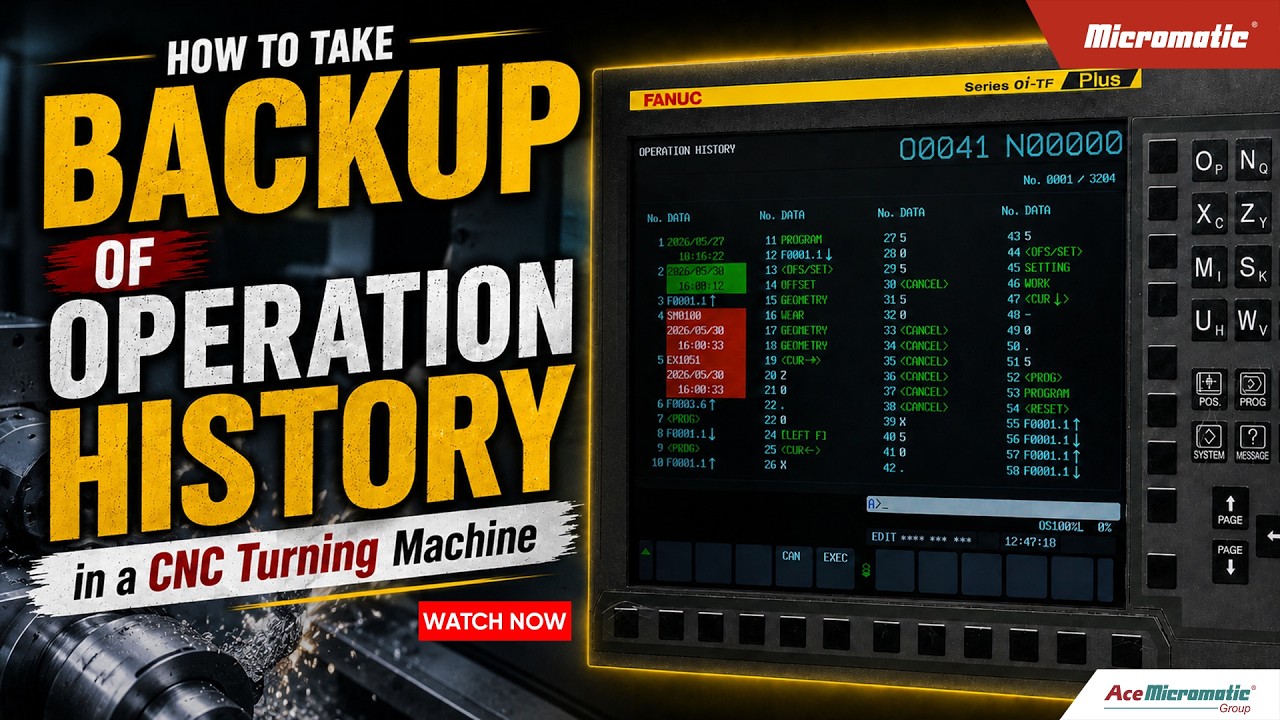
How to Easily Backup Crucial CNC Data and Operation History
This article provides an in-depth exploration of CNC data, covering foundational concepts, practical applications, and engineering insights.
In modern manufacturing, precision and operational continuity are everything. CNC (Computer Numerical Control) machines serve as the backbone of production lines, executing complex machining tasks daily. However, like any advanced electronic system, unexpected system crashes, hardware failures, or software corruption can happen at any time. To protect your shop floor from unexpected downtime, knowing how to properly secure your essential CNC data is vital.
Why Backing Up Your Machine History is Critical
Your CNC machine’s operation history contains critical records, system parameters, alarms, and execution logs. If a control failure occurs without a recent backup, recalibrating the machine and recovering lost operational logs can take days, resulting in expensive delays and lost revenue.
By routinely exporting your CNC data, you create a reliable restore point for your equipment. This simple maintenance habit allows technicians to quickly recover settings, analyze historical alarm trends, and bring production back online with minimal friction.
Step-by-Step Guide to Taking an Operation History Backup
Performing a manual backup is a straightforward DIY process. Follow these core steps to ensure your files are safely exported:
- Prepare External Media: Insert an approved, cleanly formatted USB drive or memory card into the CNC control unit interface.
- Access Maintenance Menu: Navigate through the operator panel to the System Settings or Parameter Management screen, then select the Operation History log menu.
- Select Export Parameters: Choose the option to transfer operational history and alarm logs. Ensure you select the complete history file rather than just recent events.
- Execute and Validate: Start the backup process and wait for the confirmation message. Once completed, safely remove the storage device and confirm on a external PC that the files are intact.
Best Practices for Long-Term Safety
- Establish a Schedule: Perform backups monthly or after major parameter adjustments.
- Label Archives Clearly: Name backup folders with the machine serial number and date for fast identification.
- Store Offsite: Keep duplicate backup files on a secure company server or cloud storage.
Taking a few minutes to back up your critical CNC data guarantees peace of mind and keeps your manufacturing operations running smoothly. Make operation history backups a mandatory part of your preventive maintenance workflow today.
Visual Insights & Illustrations


