CNC Not Receiving Programs? How to Analyze Raw CNC Data to Fix RS-232 Errors
This article provides an in-depth exploration of CNC data, covering foundational concepts, practical applications, and engineering insights.
Have you ever sent a G-code program from your DNC software to a machine, only to watch the controller sit idle or throw a mysterious alarm? RS-232 serial communication failures are among the most frustrating issues in modern machine shops, often causing unexpected downtime.
When a file transfer drops, freezes, or gets rejected, guessing the cause—whether it is an incorrect baud rate, wrong parity settings, or a damaged cable—wastes valuable shop floor time. Fortunately, the secret to quickly solving these connection headaches lies directly in monitoring your raw CNC data.
Why Standard Code Editors Fall Short
Looking at your program in a basic text editor rarely reveals the root cause of a transfer error. A standard editor only displays formatted text. However, what actually travels across an RS-232 serial cable includes invisible control characters, line feed signals, handshake commands (such as XON/XOFF), and start/stop bytes.
If your machine's controller expects a specific character sequence (such as % or CR/LF) and fails to receive it, the control panel will reject the file entirely or stall mid-transfer.
Inspecting Raw Transmission Byte-by-Byte
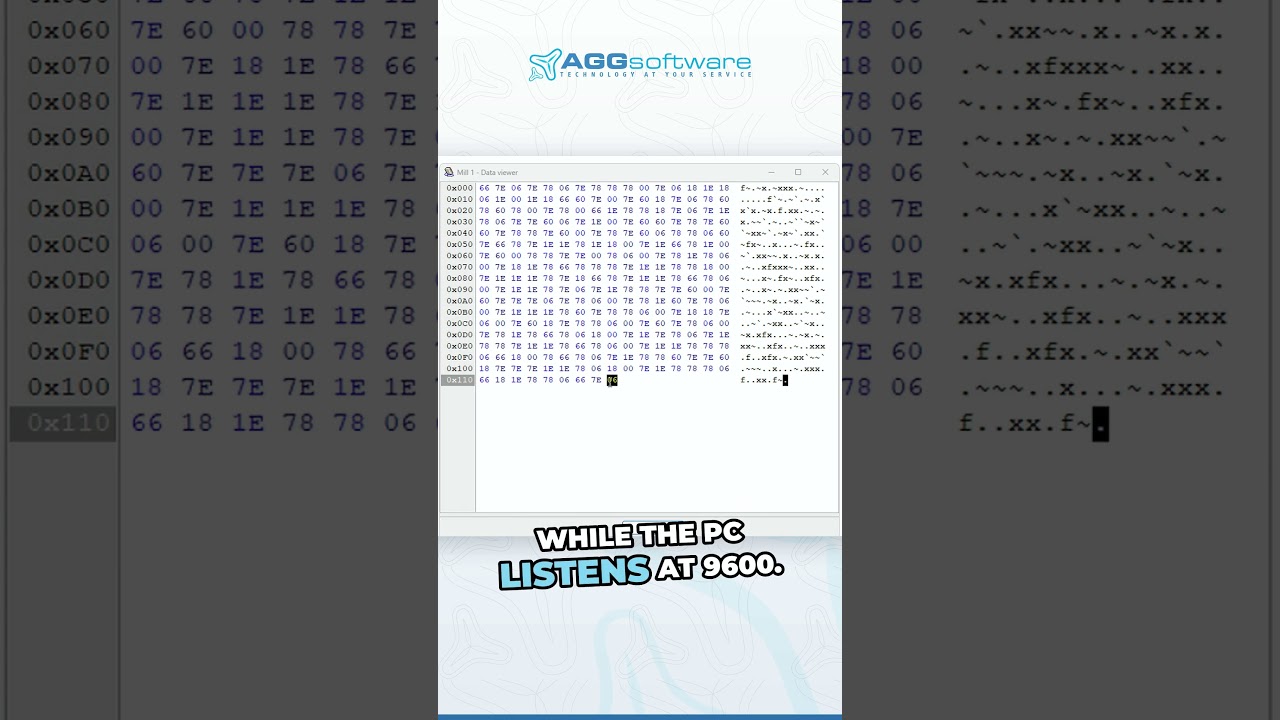
To diagnose transfer glitches accurately, you need to capture and inspect raw CNC data as it flows through the cable. Advanced DNC software tools, such as DNC Precision, provide built-in diagnostics like a "Show Transferred Data" terminal window.
This tool logs every single byte sent over the serial line in real time, allowing you to easily detect:
- Corrupted Control Characters: Spot missing start-of-file symbols, missing End-of-Block (EOB) indicators, or wrong line termination.
- Protocol & Flow Control Blockages: Verify whether the CNC machine successfully sent an XOFF signal to pause transmission, preventing buffer overflows.
- Electrical Noise: Identify random "garbage" characters caused by bad shielding, excessive cable length, or faulty pinouts.
Fix Transfer Glitches with Confidence
Stop blindly swapping cables or guessing parameter settings. By examining raw CNC data, you gain instant visibility into what is actually happening on the cable. This data-driven approach removes the guesswork, helping you fix protocol mismatches fast and keep your CNC machines running efficiently.


