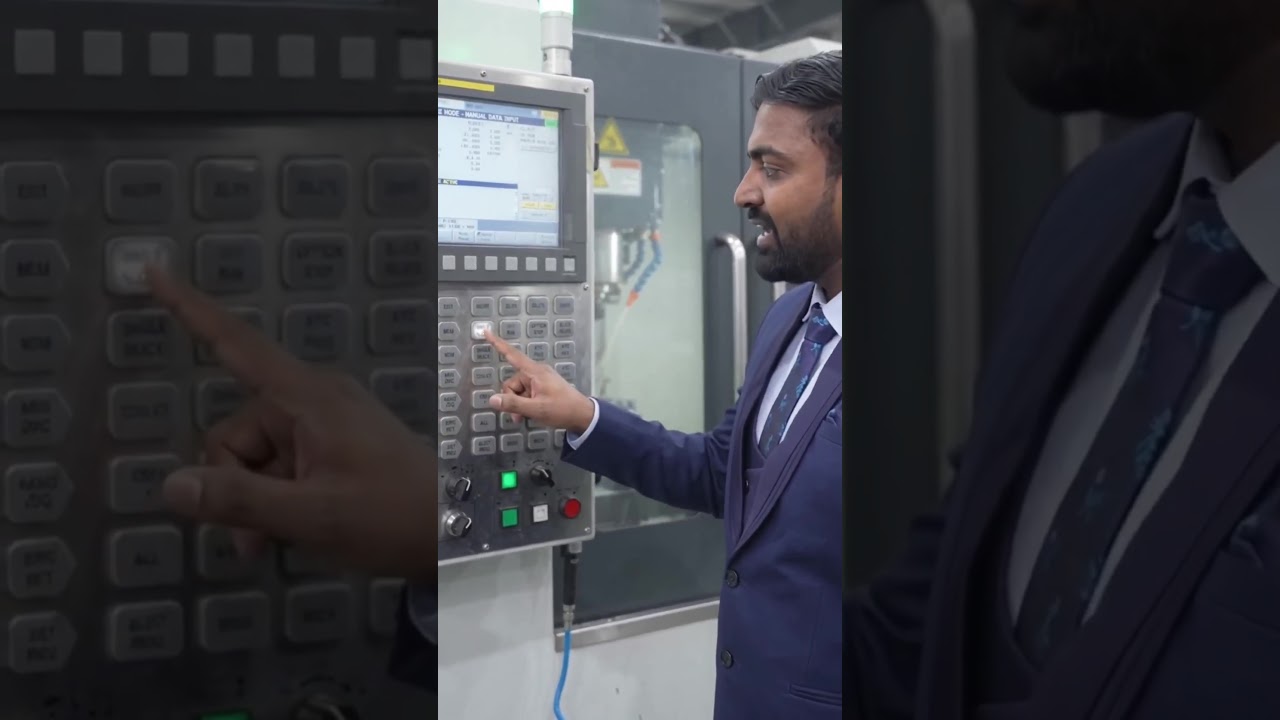
Mastering MDI Mode: A Guide to Executing G-Code Data on CNC Machines
This article provides an in-depth exploration of G-code data, covering foundational concepts, practical applications, and engineering insights.
Manual Data Input (MDI) mode is one of the most versatile yet underutilized features on modern CNC machines. Whether you are operating a CNC turning center or a milling machine equipped with a Fanuc control system, understanding MDI mode is essential for daily setup, testing, and troubleshooting.
What is MDI Mode in CNC Machining?
MDI mode bridges the gap between fully automatic operations and manual machine control. Instead of running an entire automated program stored in the memory, MDI allows operators to manually type and execute short blocks of code. By entering single lines of G-code data directly into the control panel, machinists can perform immediate actions without modifying the main program file.
Key Benefits of MDI Mode
Using MDI mode offers several distinct advantages for both novice and experienced CNC operators:
- Quick Setup and Tool Changes: Need to change a tool or position the turret? MDI lets you input a tool call or spindle command instantly.
- Safe Testing and Verification: Before running a full machining cycle, operators can input specific G-code data commands to test axis movements, check tool offsets, or start the coolant system safely.
- Flexibility Without File Overhead: You don't need to load a new CAM file or main program just to move an axis or rotate the spindle at a specific RPM.
How to Use MDI Mode on Fanuc Controls
Executing commands in MDI mode on a Fanuc control interface is straightforward:
- Turn the machine's mode selector switch to MDI.
- Navigate to the MDI program screen on the display.
- Type your command sequence (for example,
G28 X0 Z0;orM03 S1000;). - Press the INSERT key to register the code.
- Press CYCLE START on the control panel to execute the instruction.
Once the machine finishes executing the command, the line can easily be cleared or updated, preventing accidental repeat execution.
Final Thoughts
Mastering MDI mode empowers machinists to interact dynamically with their equipment. By gaining confidence in typing and running direct G-code data, you can streamline setup times, troubleshoot errors faster, and maximize workshop productivity on both CNC turning and milling machines.


