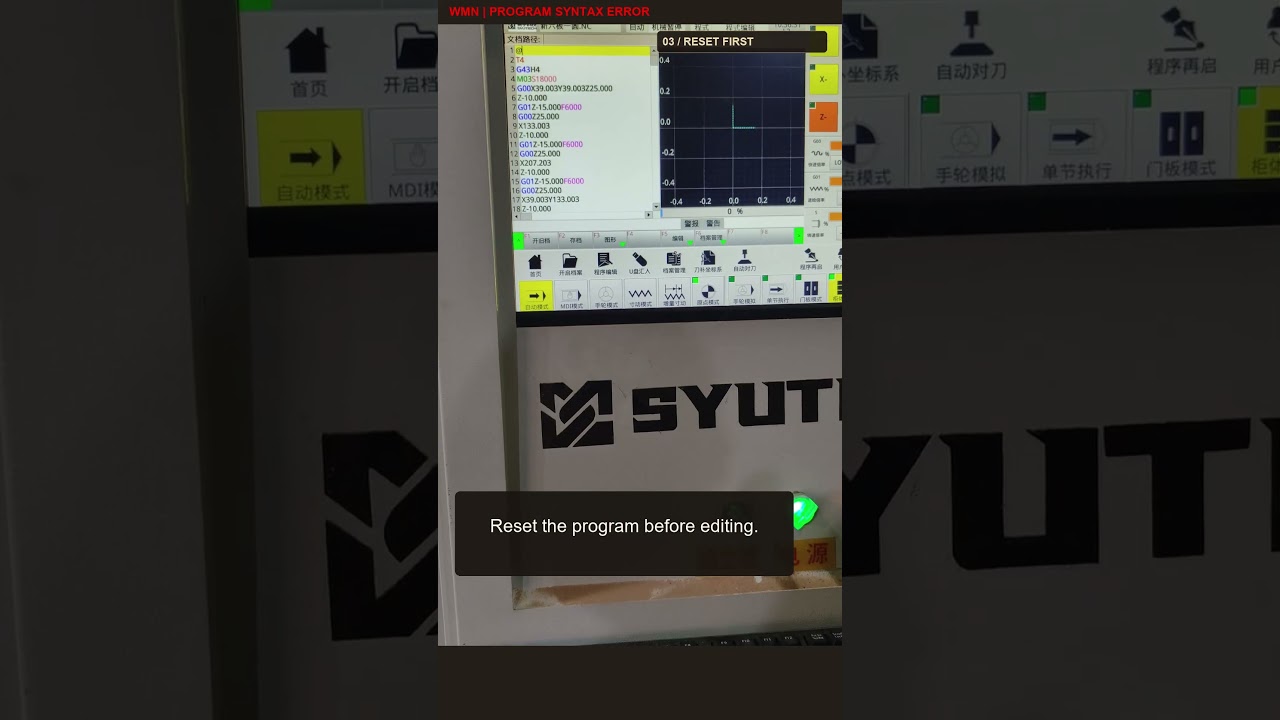
How to Quickly Resolve Syntax Errors on Your CNC System
This article provides an in-depth exploration of CNC system, covering foundational concepts, practical applications, and engineering insights.
Hearing an alarm chime during a machining cycle can bring your entire production schedule to a sudden halt. When a syntax-error alarm triggers, your CNC system typically identifies a specific line in your G-code program. However, while the controller points out where the execution stopped, it does not always make the underlying cause obvious.
Understanding how to read beyond the reported line is essential for every machinist and programmer looking to minimize costly downtime.
What Does a Syntax Error Really Mean?
A syntax error occurs when the code violates the structural or formatting rules required by your machine controller. When an error is detected, the CNC system halts operation and flags the line number currently being parsed.
However, operators often make the mistake of looking only at the highlighted line. In many cases, the system fails on line 50 because of an unclosed modal command or missing variable introduced on line 49. A syntax alarm simply means the control unit encountered data it could not process logically.
Common Causes of CNC Syntax Alarms
To resolve the issue efficiently, check for these common programming mistakes:
- Typographical Errors: Accidental letter swaps—such as using the letter "O" instead of the number "0", or "I" instead of "1"—are among the most frequent syntax triggers.
- Missing Punctuation or Decimals: Forgetting a decimal point or omitting required block end characters (such as semicolons) can cause execution failures.
- Unsupported G-Codes: Using G-codes or custom macro syntax that your specific control model does not support.
- Incorrect Parameter Values: Feeding out-of-range feed rates, spindle speeds, or tool offset parameters that exceed machine limits.
Step-by-Step Troubleshooting Checklist
- Inspect the Flagged Line: Examine the highlighted code character by character for obvious typos or missing address letters (X, Y, Z, F, S).
- Check Surrounding Lines: If the flagged line looks clean, inspect the preceding line. An incomplete block right before the error is a very common culprit.
- Cross-Reference the Manual: Verify that the G-code or M-code syntax matches the exact dialect accepted by your machine brand and model.
Once you have identified and corrected the syntax mistake, reupload the verified code to your CNC system and perform a dry run before resuming full production. By following a systematic diagnostic process, you can solve syntax errors in minutes and keep your shop floor running smoothly.


