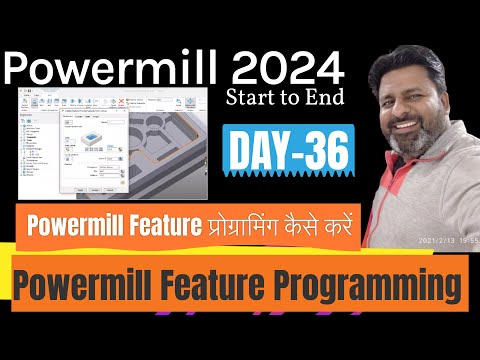
In the fast-evolving world of modern manufacturing and precision engineering, mastering advanced Computer-Aided Manufacturing (CAM) software is essential for career growth. Autodesk Powermill stands out as one of the premier toolpath generation tools used worldwide. Whether you are a beginner taking your first steps or an experienced machinist looking to refine your skills, understanding feature programming in Powermill 2024–2025 can dramatically boost your programming speed and shop-floor efficiency.
If you are currently searching for or enrolled in a specialized CNC course, learning feature-based machining in Powermill will give you a major competitive advantage in the manufacturing sector.
What is Feature Programming in Autodesk Powermill?
Feature programming in Powermill allows programmers to automatically detect and machine recognized 3D CAD geometry—such as holes, pockets, slots, and bosses. Instead of manually creating individual toolpaths for every single surface or contour, Powermill’s smart feature recognition engine groups similar geometric elements together.
This level of automation significantly reduces setup time, eliminates repetitive tasks, and minimizes human error when generating G-code for complex components.
Key Steps to Feature Programming Success
To effectively utilize feature machining in your daily workflow, follow these fundamental steps:
- Model Import & Alignment: Import your CAD model into Autodesk Powermill and establish the active workplane and stock boundaries.
- Feature Recognition: Create a "Feature Set" to automatically search and extract geometric features like tapped holes, counterbores, or open pockets.
- Toolpath Assignment: Apply pre-configured machining strategies tailored specifically to feature groups for roughing and finishing operations.
- Simulation & Verification: Run full collision checks and dynamic toolpath simulations to ensure safe, error-free execution on the physical machine tool.
Fast-Track Your Technical Skills
While step-by-step video tutorials offer a great overview of software interfaces, developing practical, industry-ready expertise requires structured training. Joining a professionally designed CNC course bridges the gap between digital simulation and real-world machining challenges.
By combining automated Autodesk Powermill feature programming strategies with hands-on practice from a quality CNC course, you can confidently program complex parts, reduce cycle times, and unlock high-paying career opportunities in the CAD/CAM domain.


