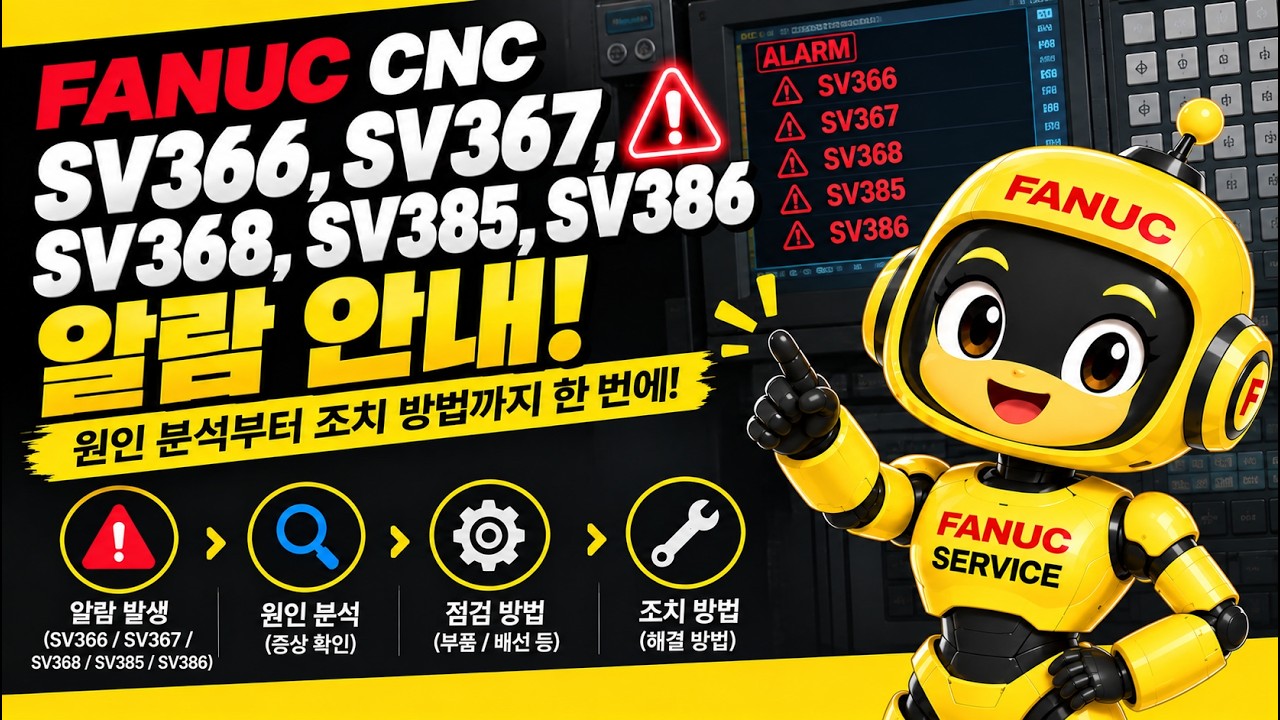
How to Fix FANUC Servo Alarms SV0366–SV0386 and Protect Your CNC Data
This article provides an in-depth exploration of CNC data, covering foundational concepts, practical applications, and engineering insights.
FANUC CNC systems are known for their exceptional reliability in modern manufacturing. However, encountering servo alarms like SV0366, SV0367, SV0368, SV0385, and SV0386 can suddenly bring production to a grinding halt. These specific alarms typically indicate issues related to the pulse coder, such as pulse dropouts, communication errors, or signal abnormalities.
When position feedback fails, critical CNC data cannot reach the main controller properly, triggering an immediate safety stop. Fortunately, with a systematic approach, you can diagnose and resolve these errors efficiently.
What Do FANUC Alarms SV0366 Through SV0386 Mean?
These alarms point directly to feedback errors occurring within the built-in or external pulse coder of your servo motor:
* SV0366 / SV0367 / SV0368: Indicate pulse coder data missing, communication failure, or illegal pulse signals.
* SV0385 / SV0386: Point to serial pulse coder communication errors or hardware-level signal abnormalities.
Because these errors interrupt the feedback loop, the system loses track of precise motor positions, making accurate machine movement impossible.
Step-by-Step Troubleshooting Checklist
-
Inspect Feedback Cables and Connectors
Loose, damaged, or oil-contaminated cables are the most common cause of pulse coder errors. Unplug the feedback cable connecting the motor to the servo amplifier, clean the contacts with contact cleaner, and check for broken pins or worn insulation. -
Check for Electrical Noise and Grounding
Servo pulse signals are sensitive to electromagnetic interference (EMI). Ensure that machine grounding is solid and that signal cables are routed away from high-voltage power lines to maintain clean signal transmission. -
Analyze Diagnostic Screen Parameters
By accessing the diagnostic screen on your control unit, you can monitor live CNC data to pinpoint which axis is losing signal. Pay close attention to diagnostic parameters related to pulse coder status to determine whether the issue stems from hardware failure or line interference. -
Evaluate the Pulse Coder and Servo Amplifier
If cables and grounding check out fine, swap the suspect cable or pulse coder with a known working unit on a different axis. If the alarm follows the component, replacing the pulse coder or servo amplifier module will be required.
Keep Your CNC Operations Running Smoothly
Resolving servo alarms quickly prevents costly downtime and keeps your production schedule on track. Maintaining clean connections, ensuring proper cable shielding, and regularly inspecting signal pathways will help safeguard your CNC data and extend the operational lifespan of your FANUC machinery.


